Best IPTV App for LG Smart TV (webOS)
⚡ Quick Answer
A deep dive into the top IPTV applications available natively on LG's webOS platform, including installation tips.
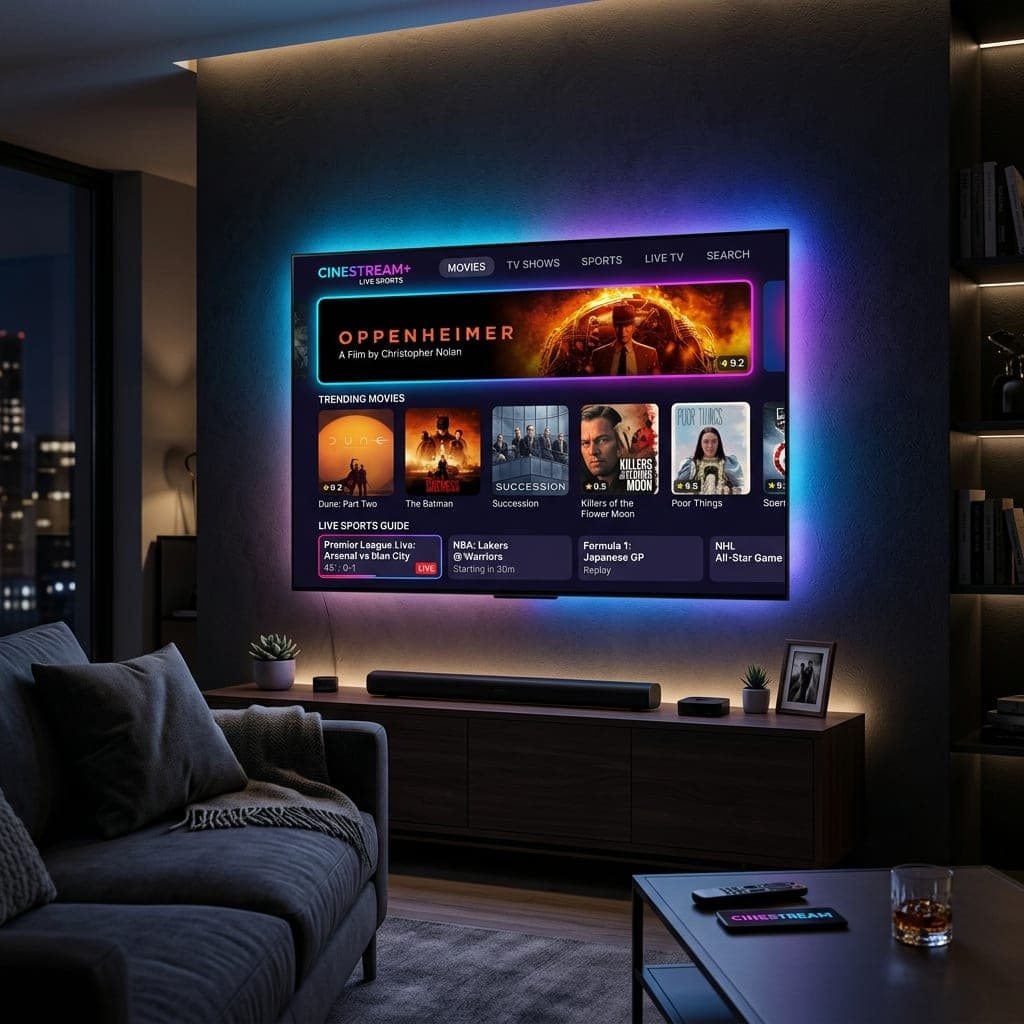
Optimizing IPTV on LG webOS
LG OLED and NanoCell TVs are celebrated for their incredible picture quality. When paired with the best IPTV UK subscription, they become the ultimate entertainment hubs. Because LG uses the proprietary webOS, you cannot install Android apps like TiviMate. However, there are fantastic native alternatives.
Top Apps on the LG Content Store
The number one recommended app is Smart IPTV (SIPTV). We have a full installation guide here. Other great alternatives include DuplexPlay and Flix IPTV. These apps are extremely lightweight, meaning they won't overload your TV's internal memory when loading a massive channel list.
Connecting Your Service
To get started, simply download one of these apps from the LG Content Store. Then, grab an IPTV free trial UK. You will receive an M3U link that you upload via the app's website using your TV's MAC address.
Which IPTV apps run on LG webOS?
LG Smart TVs run webOS, so they cannot install Android apps such as TiviMate. The apps that work natively are those in the LG Content Store that accept an M3U link or Xtream Codes login — typically IPTV Smarters Pro (where listed), Smart IPTV (SIPTV) and similar players. On older LG sets the store version may be missing; in that case a Fire OS Firestick or Google TV dongle plugged into HDMI is the simplest fix.
Setting it up
- Open the LG Content Store and search for your chosen player.
- Install it and note any device ID or MAC address it shows.
- Enter your Streamelio Xtream Codes login (or upload your M3U link) as the app instructs.
- Load the guide, then favourite your most-watched channels for quicker zapping.
Quick answers
Can I install TiviMate on an LG Smart TV?
No. TiviMate is an Android app and LG TVs run webOS, so it cannot be installed. Use a webOS player from the LG Content Store, or plug in a Fire OS Firestick or Google TV device to use TiviMate.
What is the best IPTV app for an LG TV in 2026?
The best choice is a webOS player that accepts Xtream Codes logins, because it loads the programme guide and VOD categories automatically. If your model lacks one, a Fire TV Stick 4K Max (2nd gen) gives you every Android player instead.
Do I need a box for IPTV on an LG Smart TV?
No, not if a compatible player is available in your LG Content Store. A box or stick only becomes worthwhile if you want TiviMate, recording, or your TV is too old to receive app updates.
Sarah is a digital media specialist with a decade of experience covering streaming services, consumer technology, and the UK broadcast landscape. She has helped thousands of UK households make the switch from traditional cable to IPTV.
📚 Related Articles
Ready to experience the best IPTV UK?
Stop buffering and start watching. Claim your free 6-hour trial today.