The Best IPTV Service for 4K Movies & Series
⚡ Quick Answer
IPTV isn't just for live sports. Discover how premium providers are replacing Netflix, Disney+, and Amazon Prime.
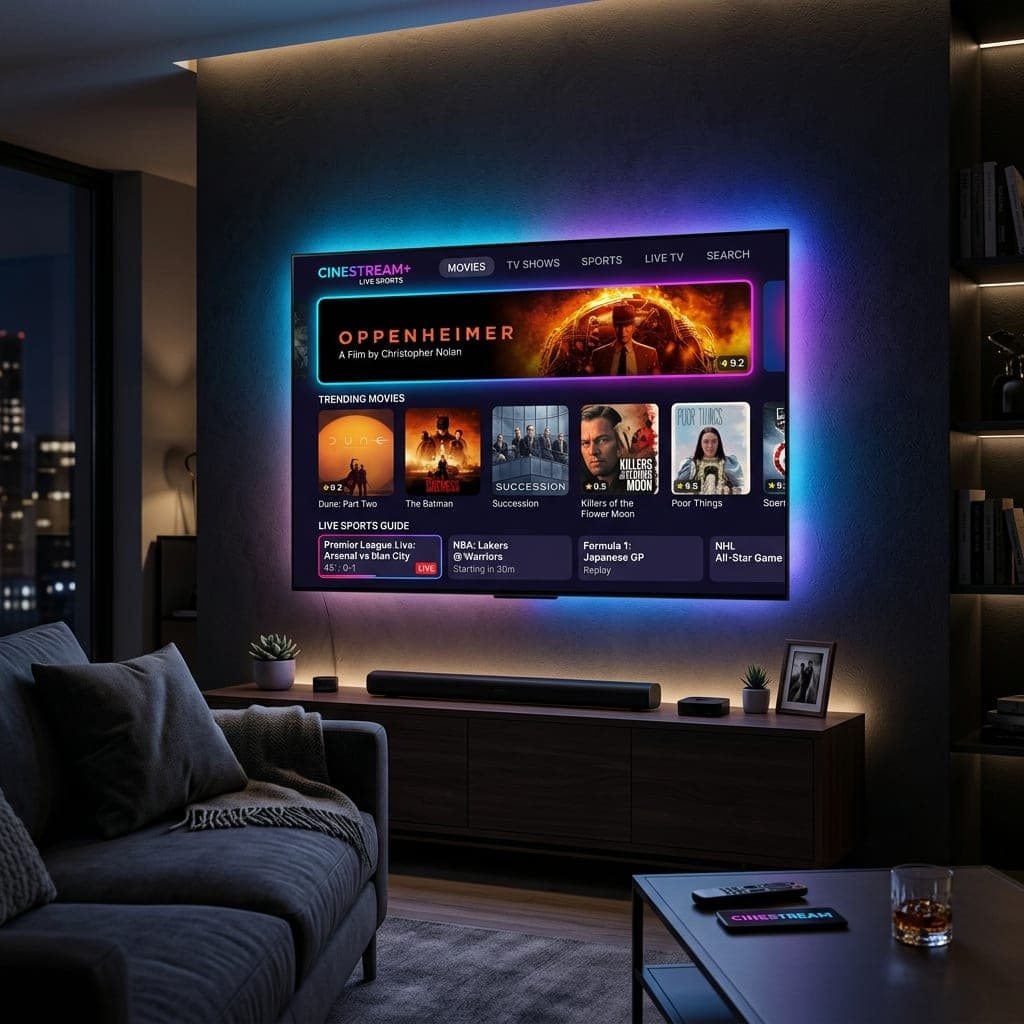
The Ultimate VOD Replacement
While most people search for the best IPTV UK solely to watch live football, they are often stunned by the Video on Demand (VOD) capabilities. A premium IPTV subscription completely eliminates the need to pay separately for Netflix, Disney+, Hulu, and Amazon Prime.
The 120,000+ VOD Library
Our servers host over 120,000 movies and TV episodes. When a new movie hits the cinema, it is often updated in our VOD section within weeks. When a new episode of a hit HBO or Netflix show airs, it is uploaded in 4K resolution almost immediately. By utilizing the best IPTV for Firestick, you have a flawless cinematic experience right in your living room.
Try the Cinema Experience
Don't take our word for it. Grab an IPTV free trial UK today. Open the VOD section in your best IPTV player and test out a 4K movie to see the incredible quality and lack of buffering for yourself.
What genuine 4K needs
Real 4K IPTV depends on four things: a genuine 4K source (not upscaled 1080p), HEVC/H.265 encoding, a device with hardware HEVC decoding (Firestick 4K Max, Nvidia Shield, Google TV, recent Smart TVs) and about 25 Mbps of stable broadband. Check the actual resolution in your player's stream information rather than trusting a "4K" label — we explain how in premium and 4K IPTV.
HDR and audio
Many 4K titles also carry HDR10 or Dolby Vision and 5.1 audio. Your TV must support the same HDR format, and your soundbar or receiver must accept passthrough for surround sound.
Getting the best 4K picture at home
- Turn on your TV's film mode (often called Filmmaker or Cinema) to disable motion smoothing.
- Set your streaming device to 4K with "match frame rate" and "match dynamic range" so films play at 24fps in HDR only when the source is HDR.
- Use a wired connection or 5 GHz Wi-Fi near the router for consistent 25 Mbps+.
- Check audio passthrough on soundbars to receive 5.1 surround.
For device choice, compare Nvidia Shield vs Firestick 4K Max.
Quick answers
What do I need for 4K IPTV?
A 4K TV, a device that decodes HEVC such as a Firestick 4K Max or Nvidia Shield, about 25 Mbps of broadband and a provider with genuine 4K sources.
How can I tell if a stream is really 4K?
Open the stream information in your player (TiviMate and most players show it) and check the resolution reads 3840×2160. Upscaled streams show 1920×1080.
Does IPTV support Dolby Vision?
Some 4K titles carry Dolby Vision or HDR10. Your TV and streaming device must both support the format for it to display.
James has spent over 8 years reviewing streaming technology, IPTV services, and cord-cutting solutions for UK audiences. He specialises in device compatibility, network optimisation, and helping readers get the most from their streaming subscriptions.
📚 Related Articles
Ready to experience the best IPTV UK?
Stop buffering and start watching. Claim your free 6-hour trial today.